Internal reference on invoice
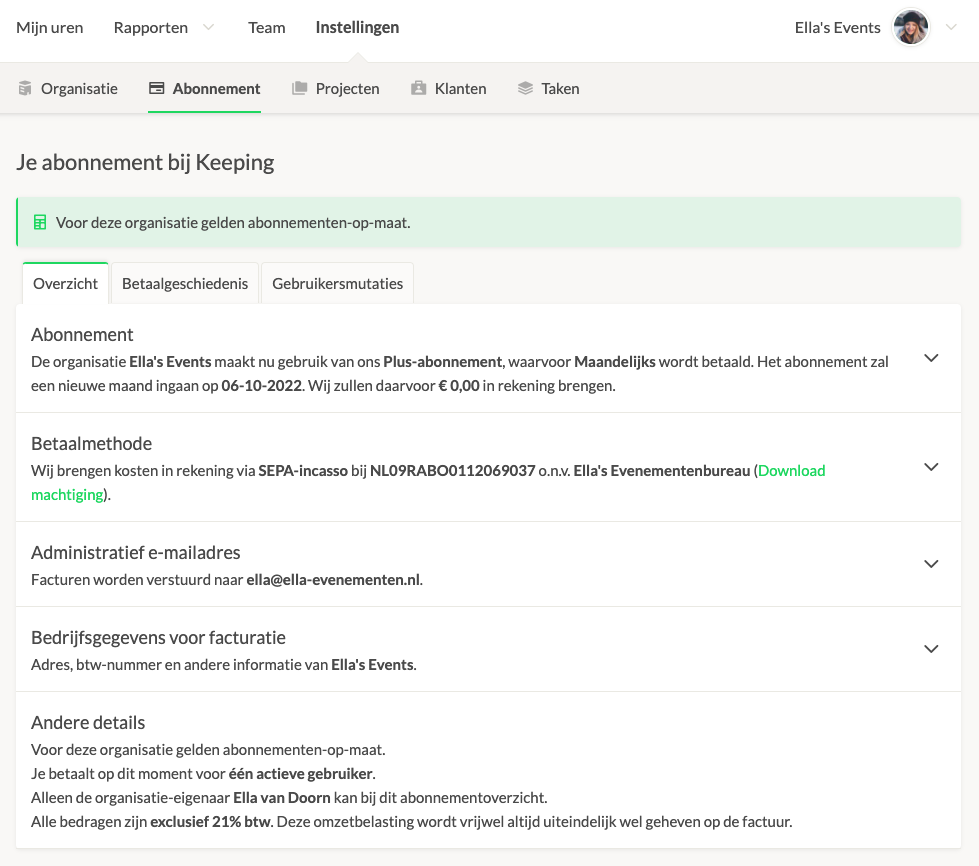
To perform this action, first navigate to the subscription overview screen. Follow the steps below:
- Go to your organisation’s settings;
- Select the "subscription" section;
Your overview will look something like this:
How Can I Add an Internal Reference to My Invoice?
Keeping allows you to include an internal reference code on invoices. In the organisation details section, enter your desired code in the "Internal Reference" field to have it appear on your invoice for internal record-keeping.

If you have questions about your invoice, feel free to email us at [email protected].
Please include your invoice number and organisation details in your email.

