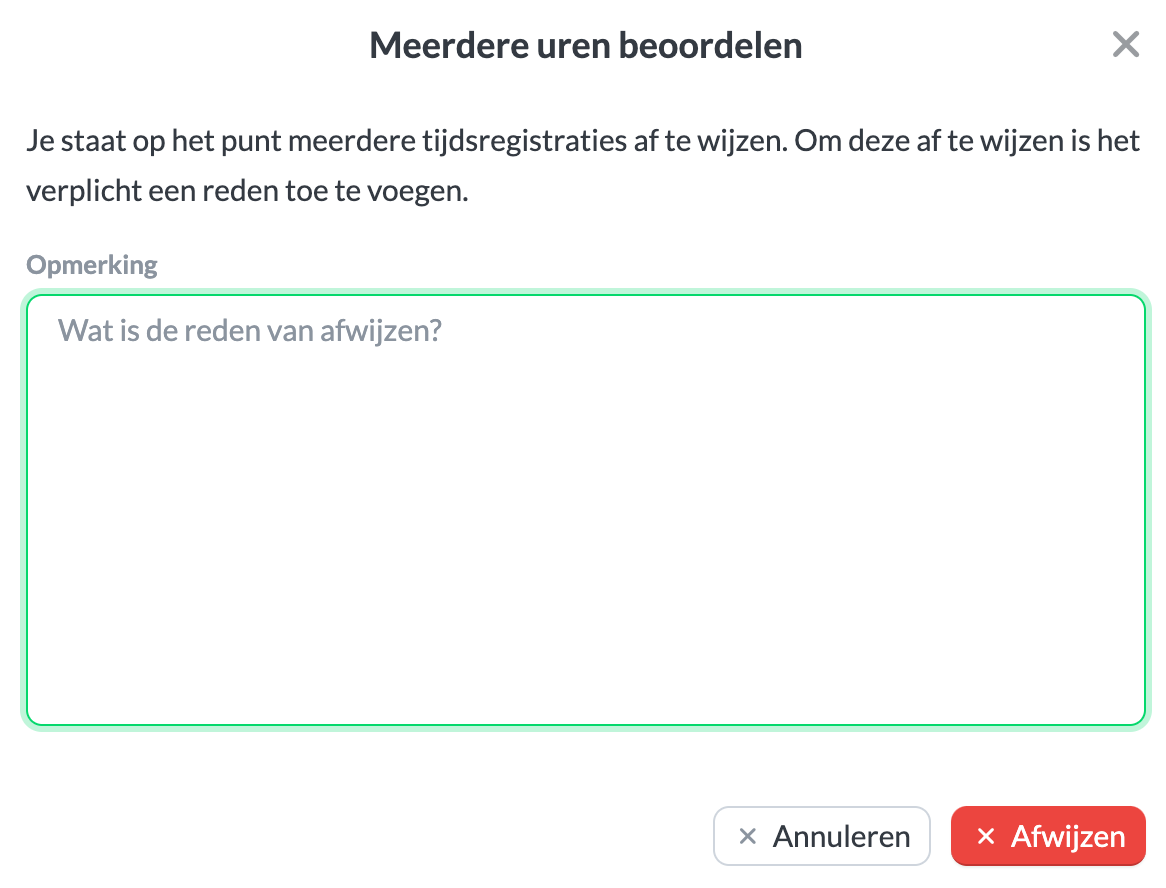
Approving hours
To use submitted hours, you need at least Keeping Pro.
If your organization uses submitted hours, you can review them via Overviews > Submitted hours.
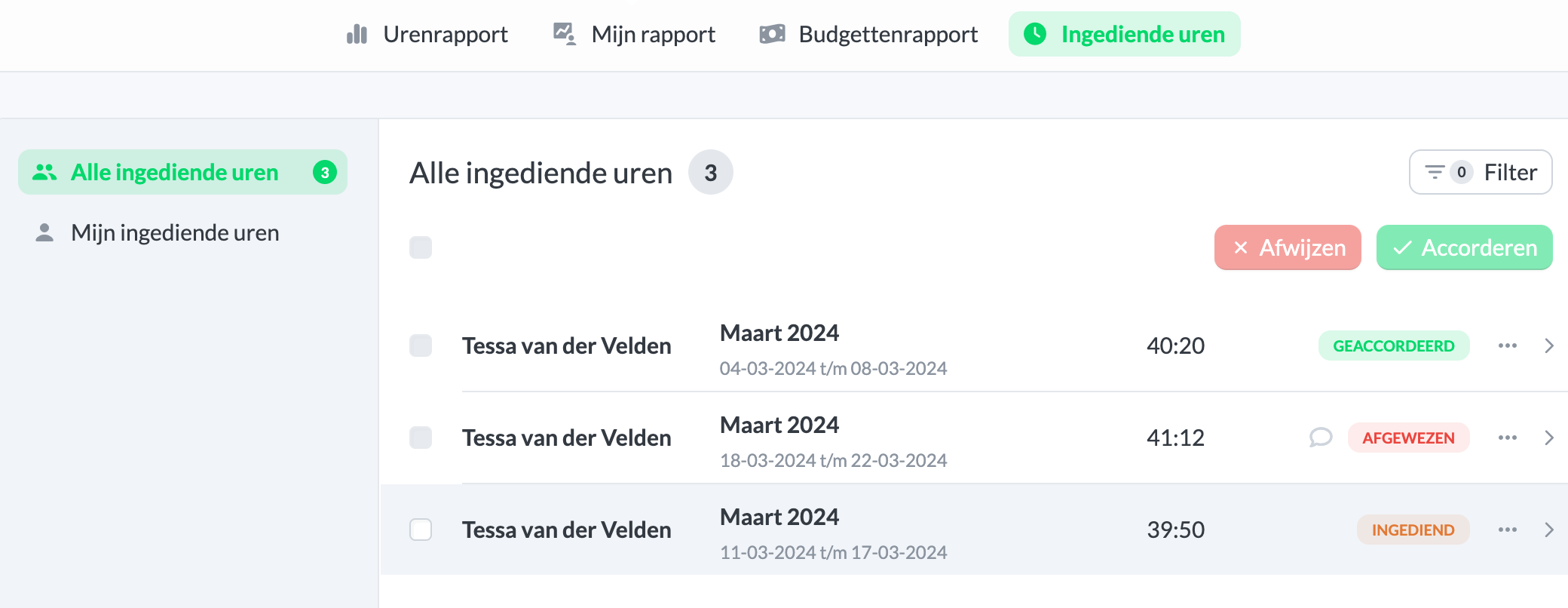
From the menu on the right, you can view the details of the submitted hours. If everything is correct, click Approve to approve the hours. The team member will no longer be able to edit the hours, and the entries will be marked as approved in the overview. If you want to reject the hours, you can add a comment for the team member who submitted them.