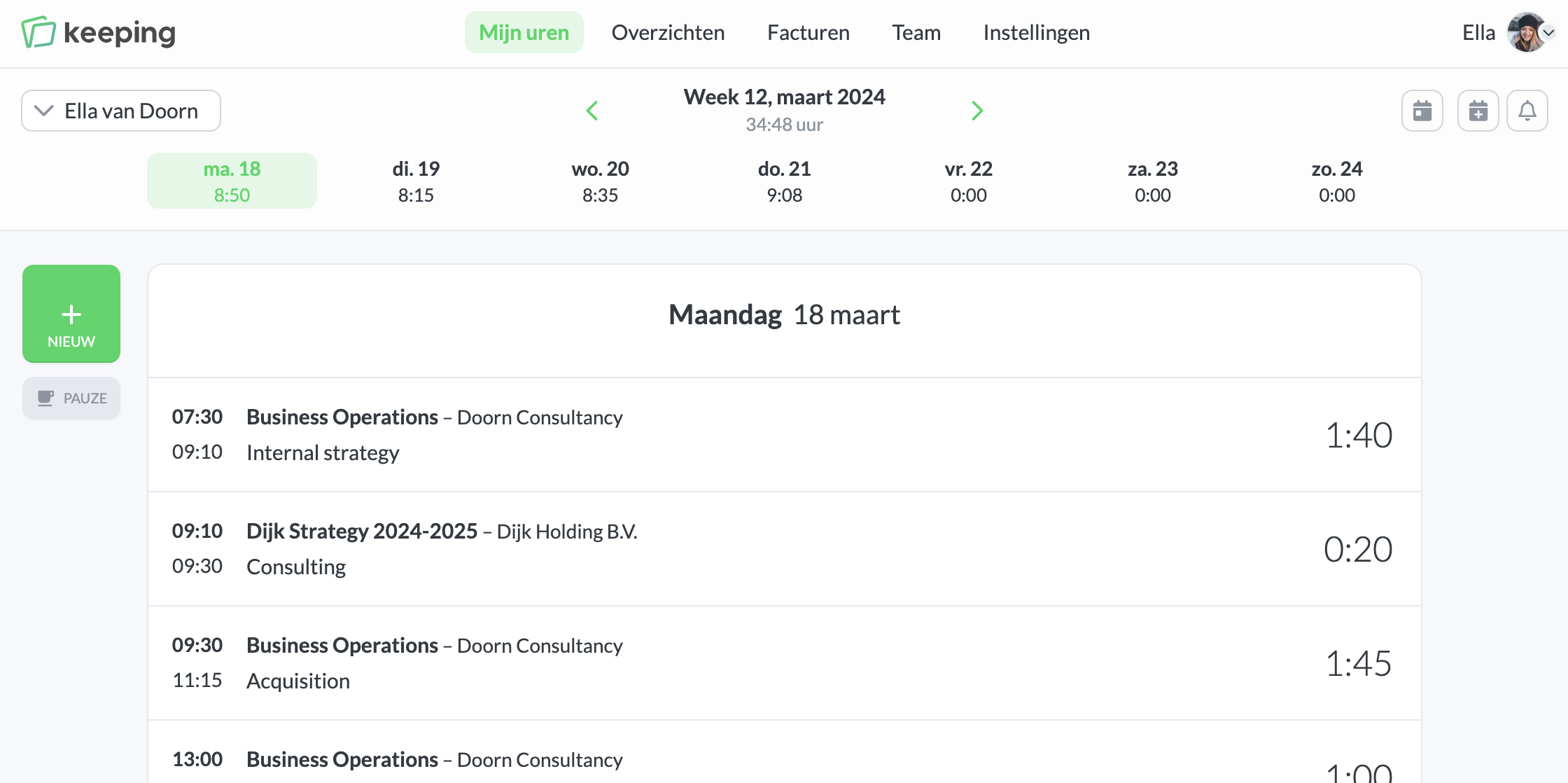
What do you see on "My Hours"?
My Hours
In My Hours, you can see which time entries were recorded or are still running for each day. You can click on a day in the date bar to go directly to that day. The green arrows allow you to move a week forward or backward.
iCal Subscription
The iCal subscription button allows you to view your hours in your calendar application. Read more about the calendar integration here.
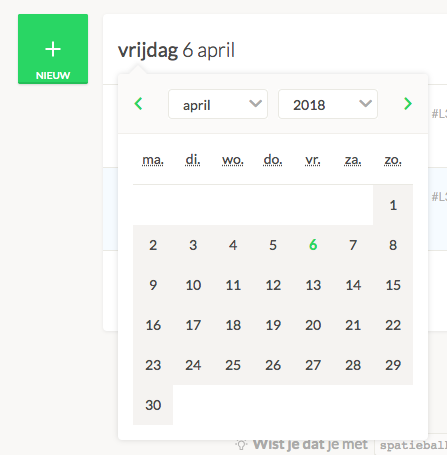
Quickly Changing Dates
By clicking the date above your weekly overview, a calendar appears so you can quickly switch to another date.
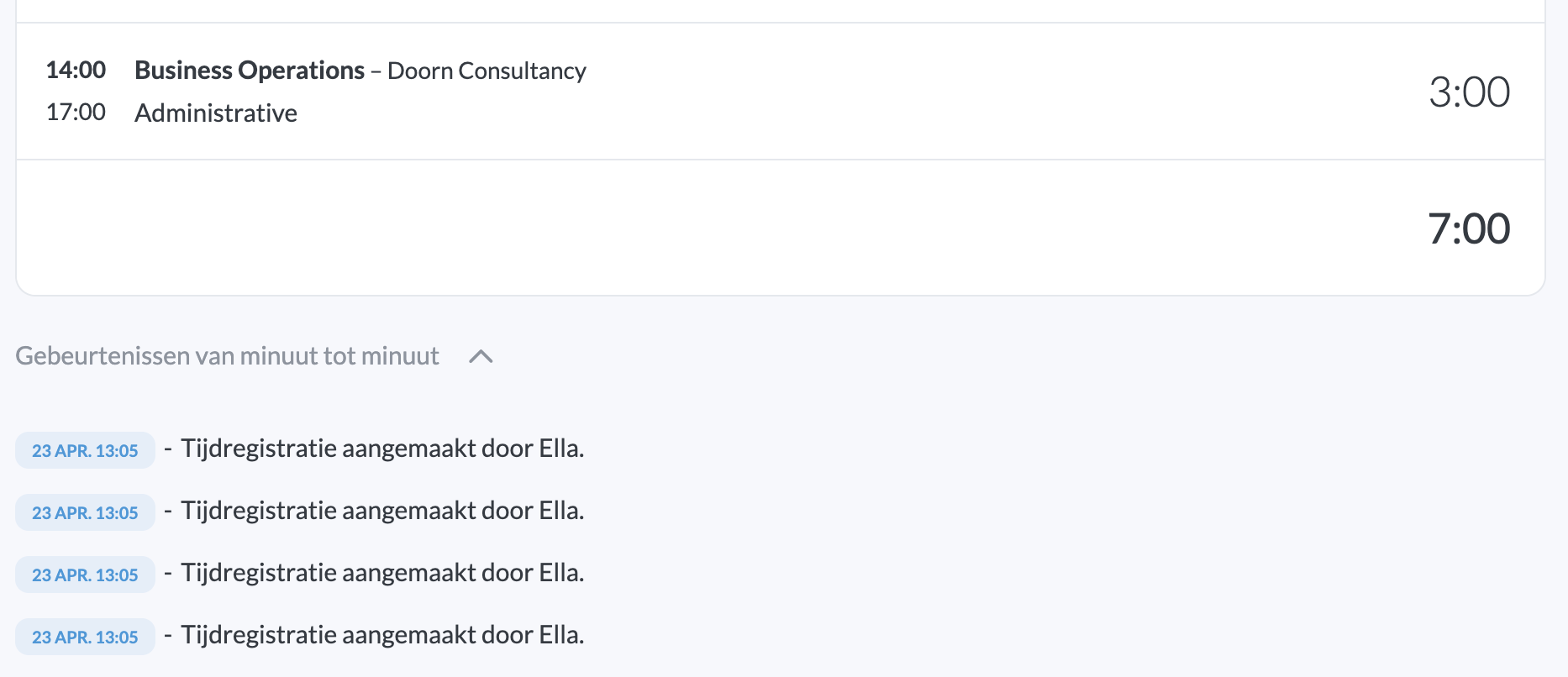
The Audit Trail
With Minute-by-minute events (or the audit trail), you can see when entries were started, stopped, or modified.
This feature is only available in specific Keeping plans.
Use the Keeping logo at the bottom of the page to return to the Keeping homepage.

