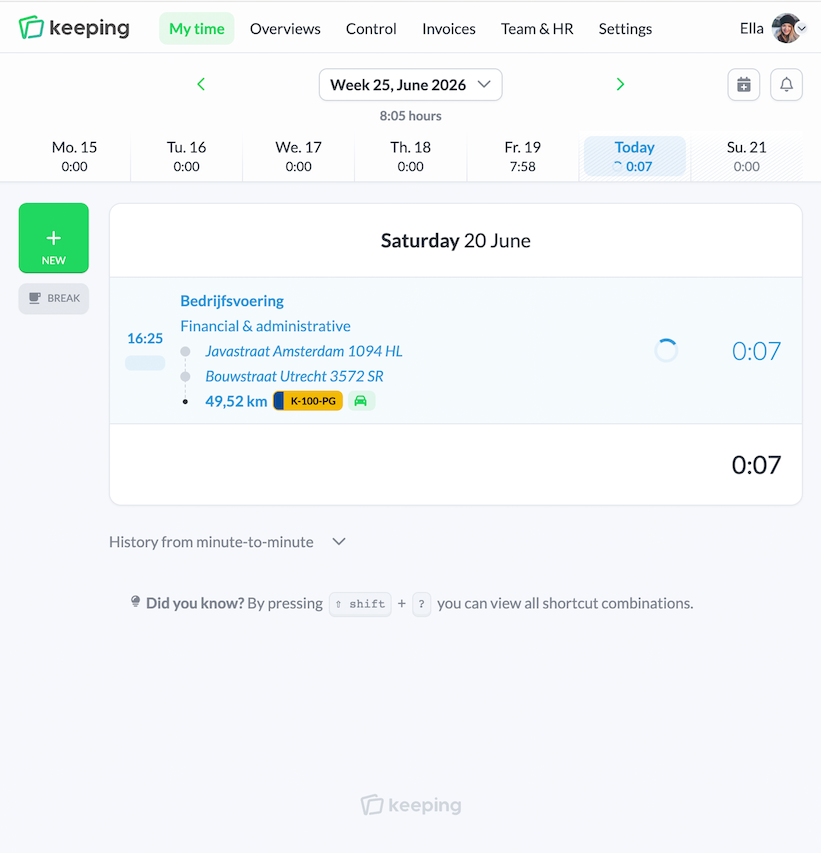
Discover Keeping

Better insight, more time

By registering time you can gain insights into which tasks and projects cost the most. With proper time data you can steer yourself and your team to be more efficient. Discover how you can take your time administration to a higher level with Keeping.

https://ellas-events.keeping.nl/ Chrome browser

Insight and overview

Know where you spend your time

To make good estimates for future assignments, it is wise to consult time spent on previous assignments. Exact hours spent on a project, task or by a team member are important when determining the time required for a new project.

Smart reports

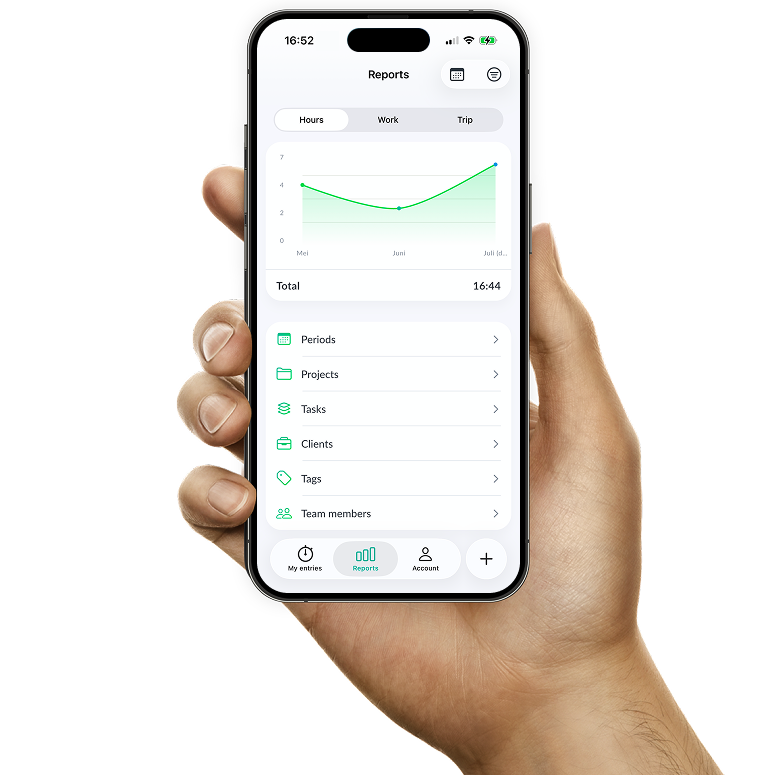
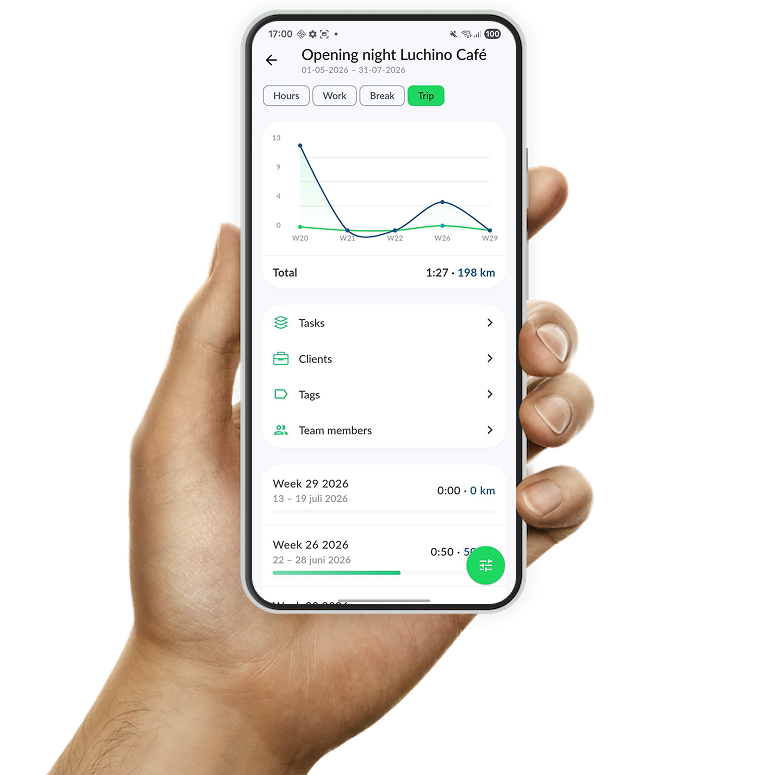
With reports you always know how many hours you have spent on a project. You can see how the hours are split between tasks and team members, and where there might be a bottleneck. That way you know where to improve.

  • Targeted search, in specific reports Intuitive navigation between reports.
  • Instant (financial) insights via project budgets; Recognise budget overrun immediately
  • Export to PDF-, Excel- or CSV-documents; Conveniently share reports with your team
  • Manage access to reports within your organization; Reduce access for a specified part within your team where it's desired
  • Personal report for each Keeping user; Always up-to-date
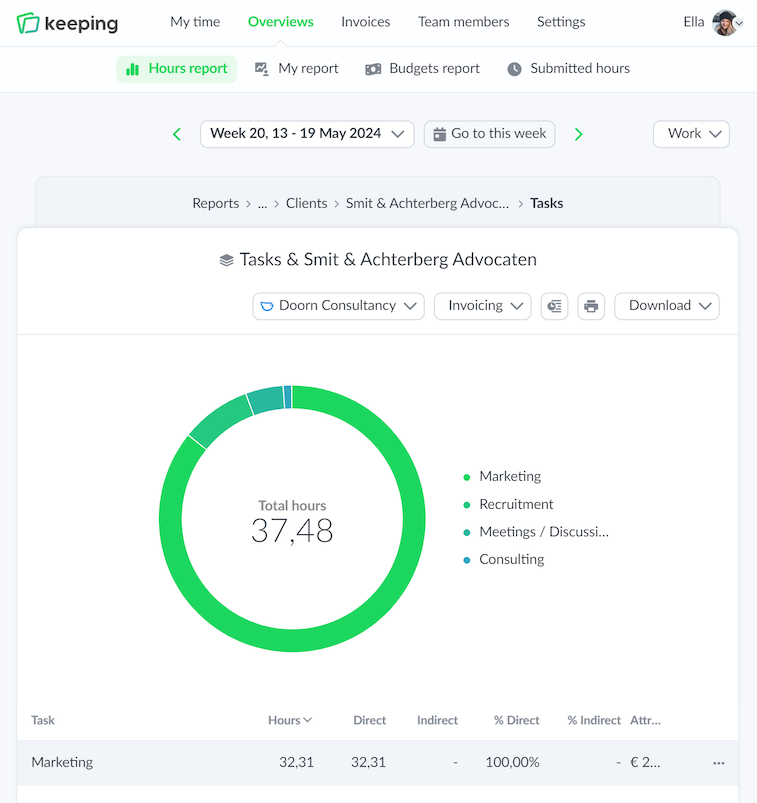
Overview of time reports specifically set for time per task
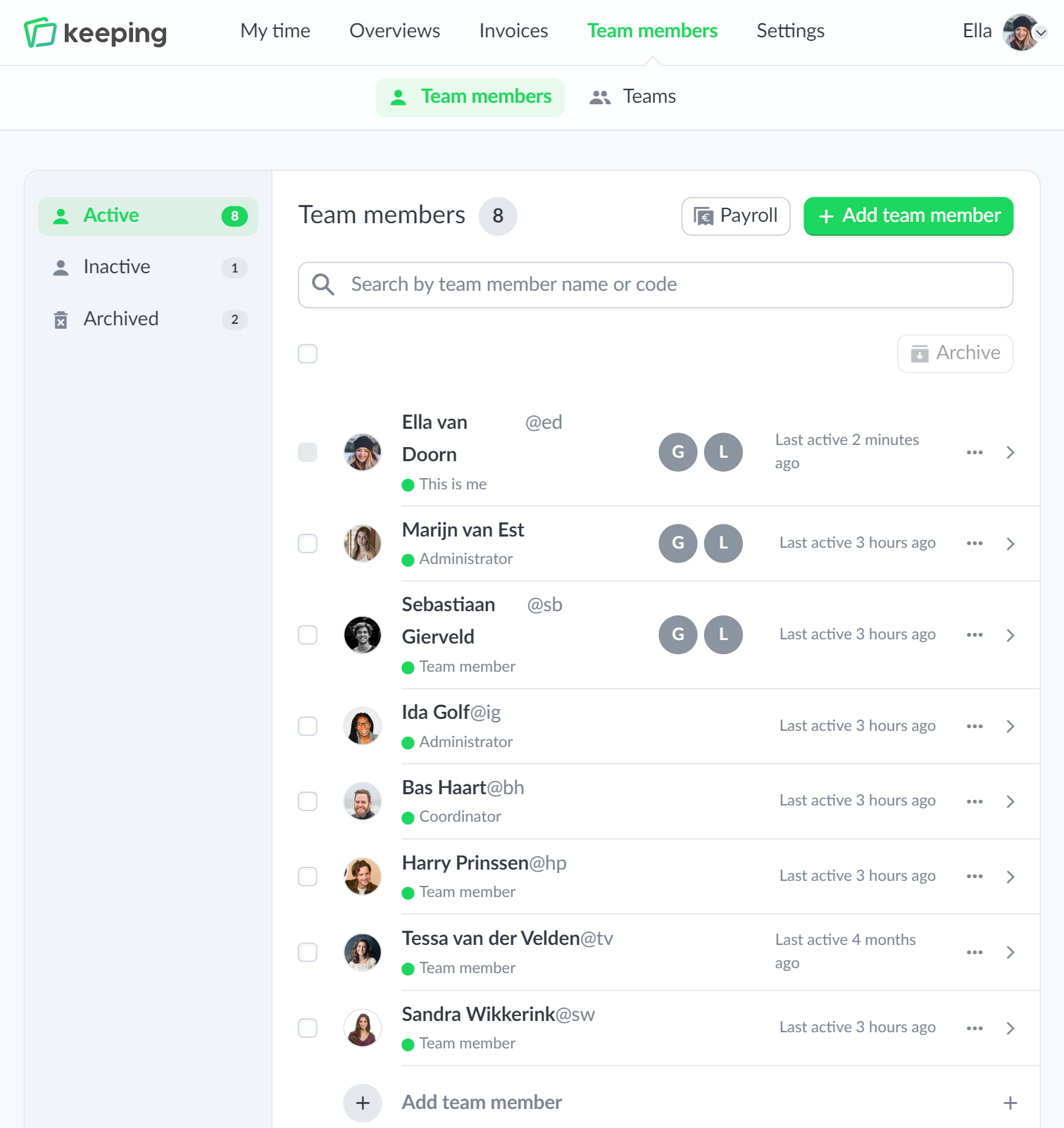
The team overview of Ella's Events, for example to view the hours of a team member
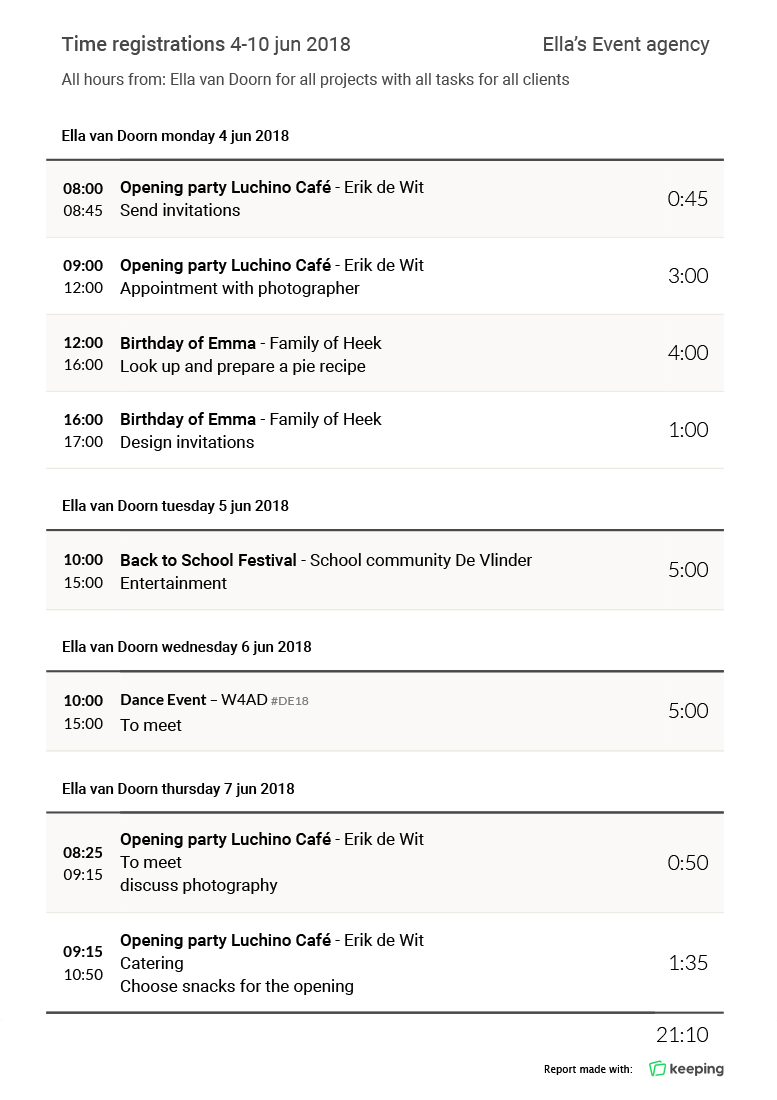
Details of time registration reports downloaded to PDF format

Download as PDF, CSV or Excel

Detailed reports of your time entries

With the reporting feature of Keeping, you can export a detailed report on specific time entries to PDF, CSV or Excel in no time.

You compile the reports yourself. This way you determine which tasks, projects or team members are included in which reports. The reports are very suitable for presenting tracked time at the end of a period or project to your client.

With the Keeping reports you can also easily provide clients with insight into the hours spent on a project or task.

Mobile access

Android and iPhone

Nowadays, hours are not specifically tracked for an entire day or working week, but for specific tasks and projects as well.

Now that accurate time registration is becoming increasingly more important, the hours app will allow you to register your time whilst on the road or working on location.

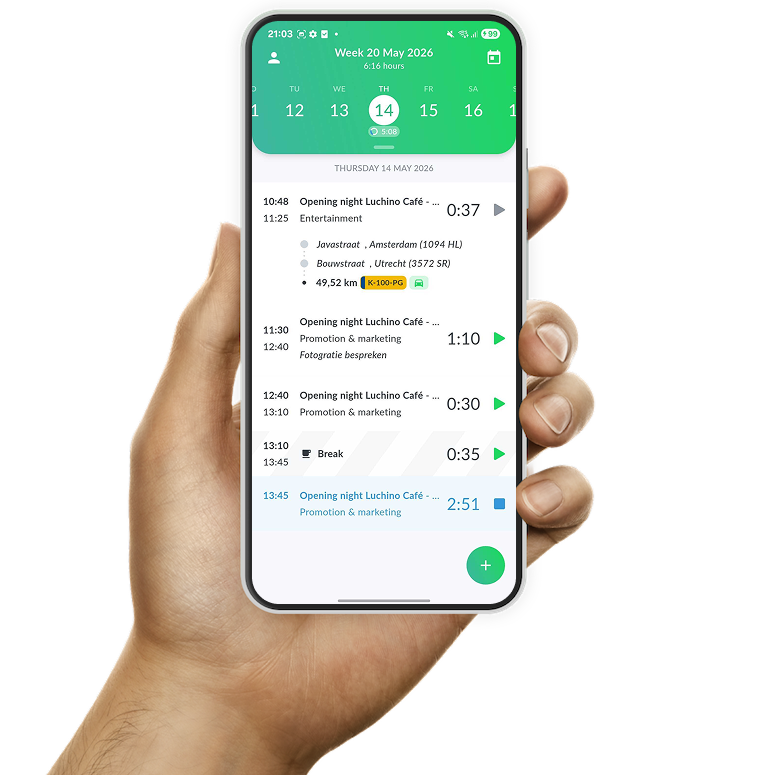
The Keeping app is complementary to the web version. It makes the essential time tracking features from web available on your iPhone or Android device. And it continuously synchronizes with the web version in real-time.

Read more about the time registration app below. The app can be downloaded from Google Play and the App Store.

The time tracking app of Keeping, showing the daily overview of all tracked time
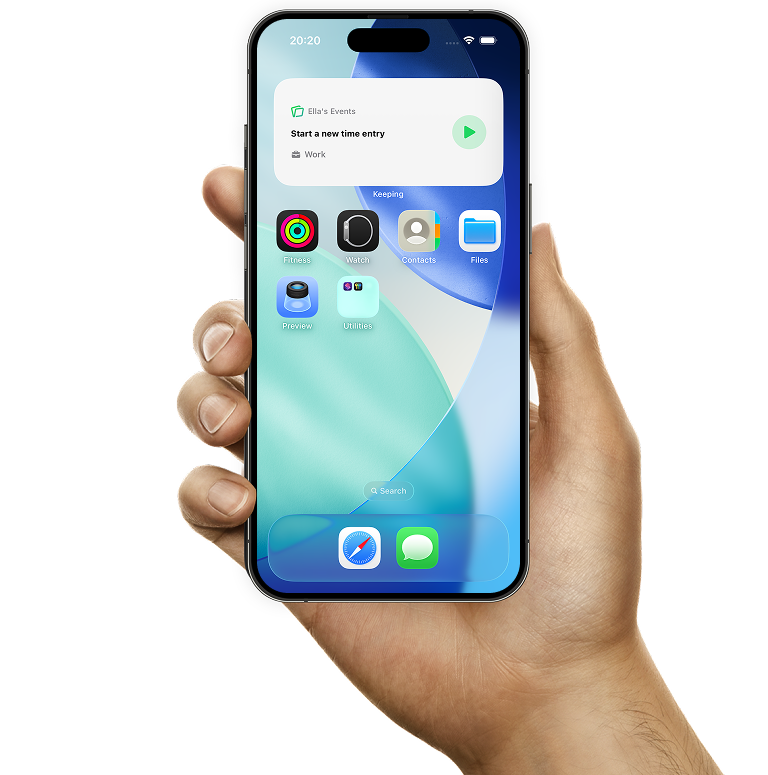
Quickly start a new time entry or stop an active one with the Keeping widget

Widget on iPhone and Android

Manage time entries faster with widgets

On iPhone and Android you can add a handy widget to your home screen. Use it to easily start a new time entry or stop an active one.

There is also a compact widget available on iPhone for the lock screen, so you can perform the same actions without unlocking your phone.

For active time entries, you can also display a live activity on iPhone. This keeps your running time entry always visible and lets you stop it directly whenever you want.

  • Android and iPhone widget for quick start and stop; Ideal when you're on the go or use the mobile app regularly.
  • Lock screen iPhone widget available; Start and stop time entries directly from your lock screen.
  • Easy overview of active time entries. Thanks to iPhone live activities, your active time entry stays visible at all times.

Take tracking your hours to the next level with Keeping today!

You can use Keeping for free within the first 14 days.

Stopwatch to clock hours illustration
Invoice example Graphic character who points to something on an invoice Keeping

Plus Accurate billing

Easy to use invoicing

Indicate which hours you want to bill. Once you are ready to create an invoice, you can send all relevant hours to your preferred accounting application directly within Keeping.

  • Insight into the revenue from billed time directly in Keeping. Intuitively click from report to report.
  • Accountable hours for your invoices Find registered hours collected in one place.
  • Integrates directly with popular accounting apps;
Separate credentials for an external accounting app are required. You might need an additional subscription for such an app, this is not included.

Plus Precise payroll

Pay staff based on hours worked

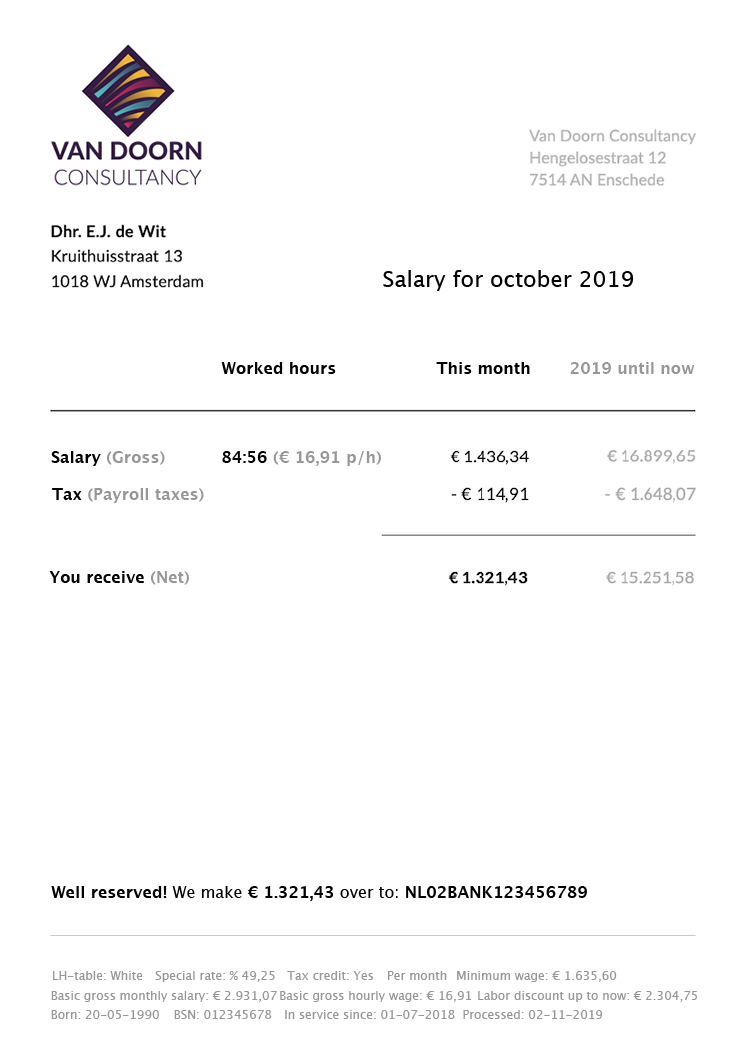
You can now send worked hours of team members to your salary program with a few clicks. Keeping automatically matches the right people based on their entered names. This makes it much easier to pay staff.

  • Forward hours worked per team member in a few clicks; Make payroll administration easier with Keeping.
  • Time accounting for all payslips; Find all registered hours in one static place.
  • Link with your salary program via the settings once only

Integrates with

An account for the relevant salary program is required. A possibly required subscription is not included.
Invoice example
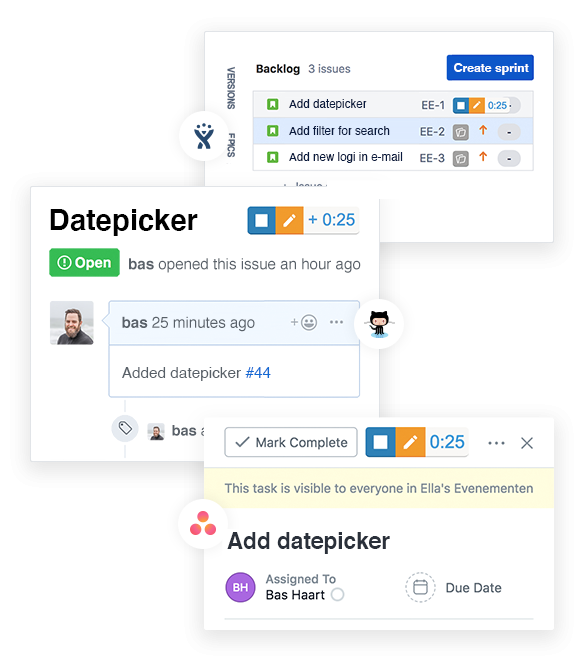
The time tracking integration for project management apps with Keeping

PlusIntegrations

Time tracking and project management

Keeping integrates time registration directly into your favorite project management tools using the Chrome extension and Firefox add-on. This way you add even more detail to your time administration.

  • Integrates directly into the interface of your favorite apps; Without having to start any other apps
  • Clickable references in on your timesheet and in the reports; Keep tracking your hours as in Keeping. Clickable references in on your timesheet and in the reports;
  • Control over your time directly in the external tools.
Separate credentials for an external project management app are required. You might need an additional subscription for such an app, this is not included.

Chrome extension and Firefox add-on

For the digital professional

Smart time tracking directly in your browser via the Chrome extension and Firefox add-on. Switch quickly between projects, tasks and customers to create comprehensive time administration.

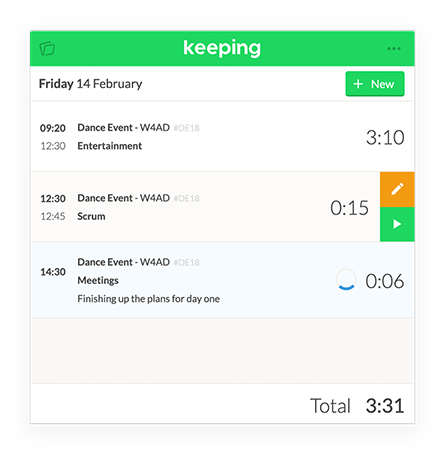
At Keeping we are very enthusiastic about the Chrome extension and Firefox add-on, it is no longer necessary to navigate to the Keeping website to quickly enter your hours. So you always have your daily overview available from every website.

  • Remain in your workflow Without having to start any other apps
  • Switch between projects, tasks and customers; Keep tracking your time as in Keeping.
  • Quickly start, stop or adjust time entries.
Easily track hours with the Keeping extension for Chrome The Chrome extension and Firefox add-on for registering hours
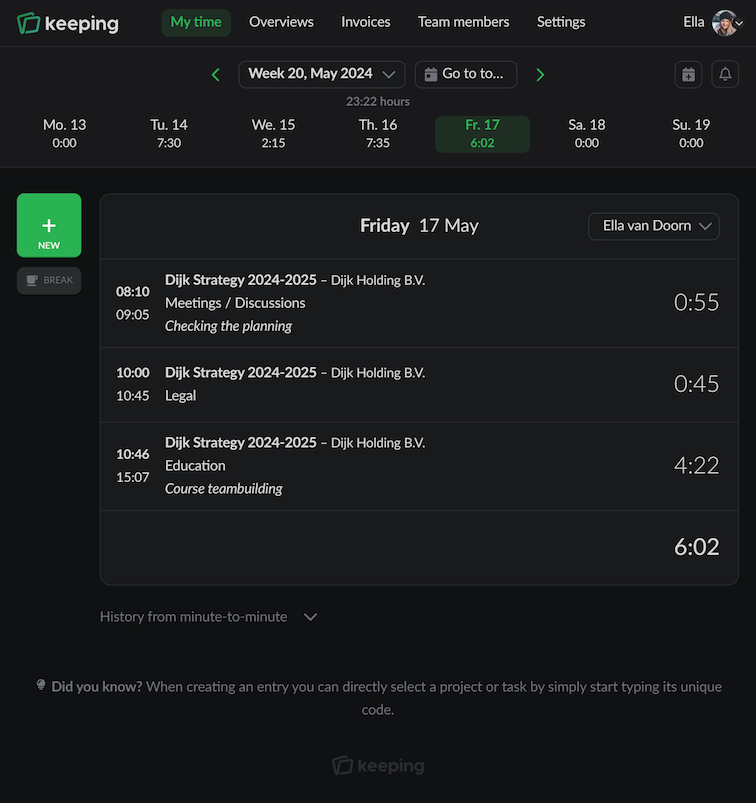
Settings for Darkmode
The Team Overview of Doorn Consultancy, which helps you understand your teamwork

Day and night

High contrast interface with "dark-mode"

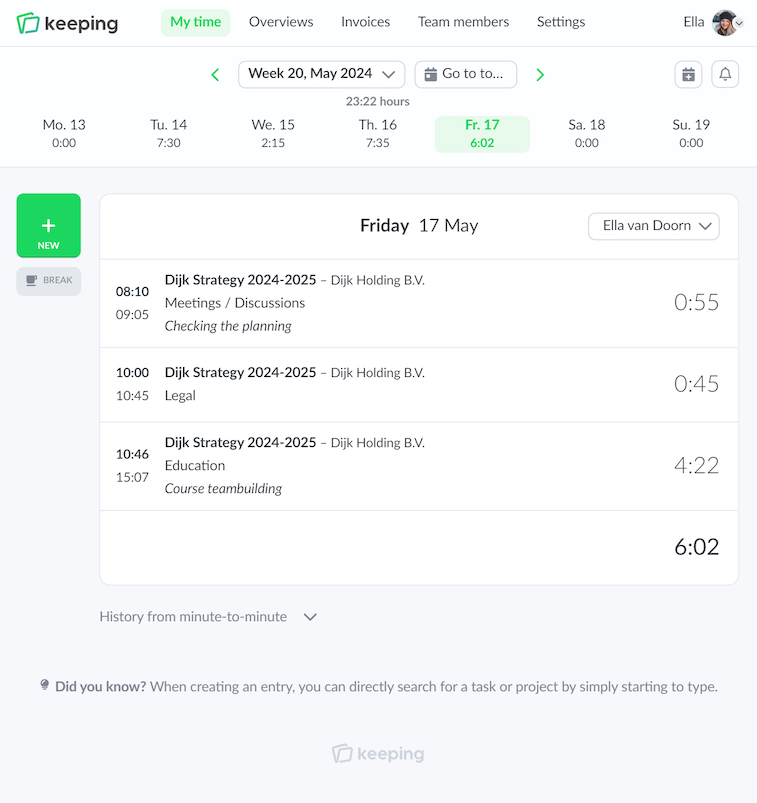
If you prefer a less bright Keeping, you can choose the "dark-mode"

Dark mode offers a more relaxed interface that's easier on the eyes; especially in environments with little light or when working late at night.

  • Automatic on and off; Switches with dark mode settings on your device!
  • High contrast relaxing interface. Easier on the eyes!

Do you keep track of your time well?

Try Keeping for free with a 14 day trial.

Stopwatch to clock hours illustration