How do I disconnect a billing program?
To connect with an invoicing program, you need at least a Plus subscription. A separate invoicing program account is required.
Unlinking an Invoicing Program
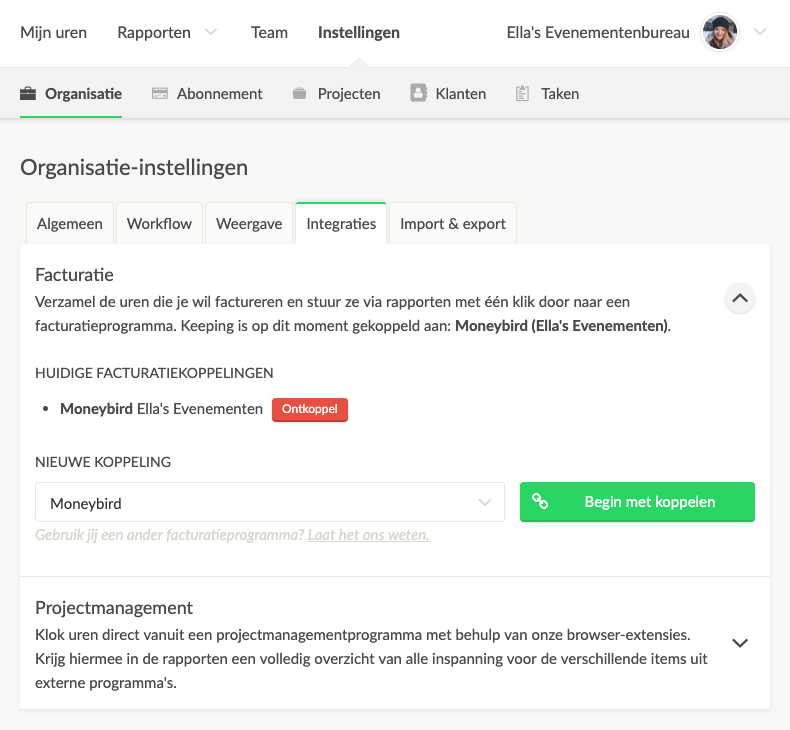
To unlink an invoicing program, go to the overview of all your invoicing links via Settings → Features → Integrations. Then click on the menu button next to the link you want to unlink and select Unlink.
Final Unlinking
Before unlinking permanently, you will see an overview screen showing the consequences of unlinking. WARNING: Unlinking will delete all associated invoices from Keeping. This action cannot be undone. After this, the link will be removed immediately, and all associated invoices will be deleted from Keeping.

